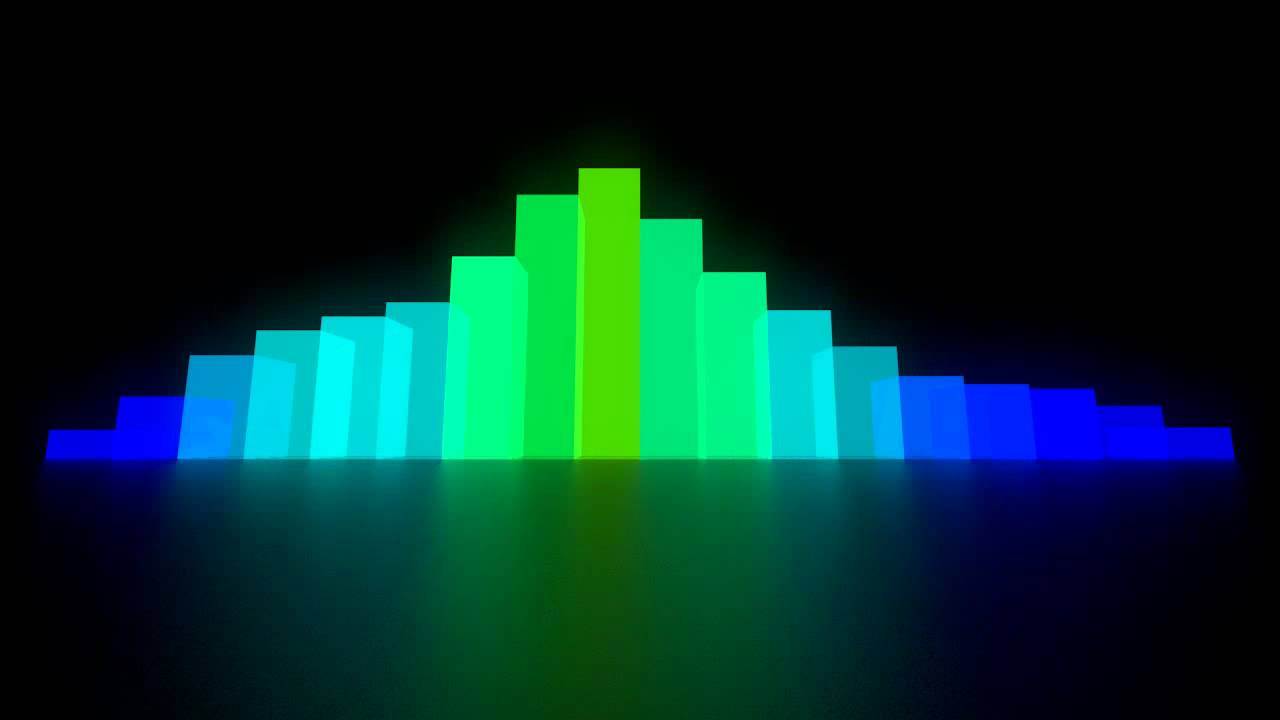
I left off last time by saying I'll try and fill some arrays with data from the AudioSource.GetOutputData(); function and use them to transform some objects, so that's exactly what I did. I created an array of values and created a couple hundred cubes to transform with the values. Each frame I iterate through each value in the array, while iterating through each cube in the scene, I then transform the current cube's y scale by the value in the array.
Here's the code :
void Update()
{
audioSource.GetOutputData(outputData[],channel,window);
for(int i = 0; i <= outputData.Length; i++)
{
cubes[i].transform.localScale = new Vector3(1,outputData[i] * modifer,1);
}
}
Simple right? :D
This produced some strange, unexpected results. I expected to see a wave form constantly changing to the sound of the music. What I saw was that to some extent near the start of the wave however towards the end the cubes seemed to 'stick' or stop reacting for a while.
Here's a video and picture I took of my visualiser at this stage.

If you watched the video you can see what I mean. It doesn't look right.
I played around with some variables a bit because I was sure my code was working as expected, I mean look at the start of the wave. After playing around for a while I tried making the number of cubes and sample size the same. Instantly I noticed a difference, now every cube represented one value from the sample, constantly. What I could see was a perfect wave form as expected.
Unfortunately, I don't have any pictures of this I was so excited by how amazing the waveform looked I had to keep working on making it look more awesome! I had an idea from the start to make my waveform into a circle so I tried that. I used the standard Cartesian circle equation :
(x-a)^2 + (y-b)^2 = r^2
and wrote a method in my sampler script to place my cubes in a circle. The circle equation provides both a plus and minus value so I decided to place two cubes at a time after calculating each point on the circle.
void orderCubes(int radius, GameObject[] array)
{
int totalLoopCount = 0;
int xloopCount = -64;
float yloopCount = 0;
float Center = array.Length / 4;
float r2 = radius * radius;
while(xloopCount <= array.Length)
{
if (alterCube)
{
yloopCount = (Mathf.Sqrt(r2 - xloopCount * xloopCount));
array[i] = Instantiate(cubeObj, new Vector3(Center + xloopCount, 0, Center + yloopCount), Quaternion.identity) as GameObject;
alterCube = !alterCube;
}
else
{
array[i] = Instantiate(cubeObj, new Vector3(Center + xloopCount, 0, Center - yloopCount), Quaternion.identity) as GameObject;
alterCube = !alterCube;
xloopCount++;
}
}
}
I call orderCubes(); at the start of the program. I pass in a radius and an array of cubes, the method then iterates through each x co-ordinate on the virtual axis calculating its respect value for +y and -y while Instantiating cubes for each. The scene was now producing a awesome looking circular waveform. It wasn't what I wanted but I'll talk about that next time. I added lights, changed the song, and added some colour. That's all for now so until next time, enjoy the video.